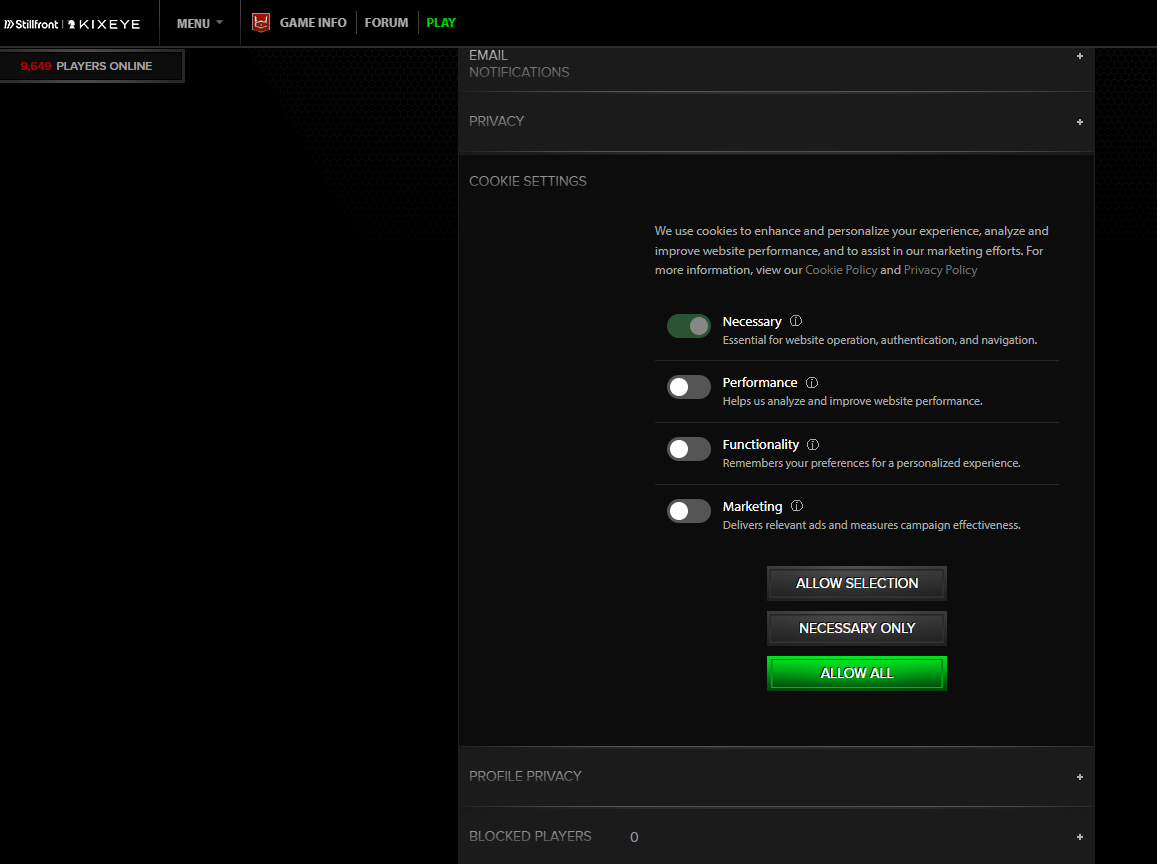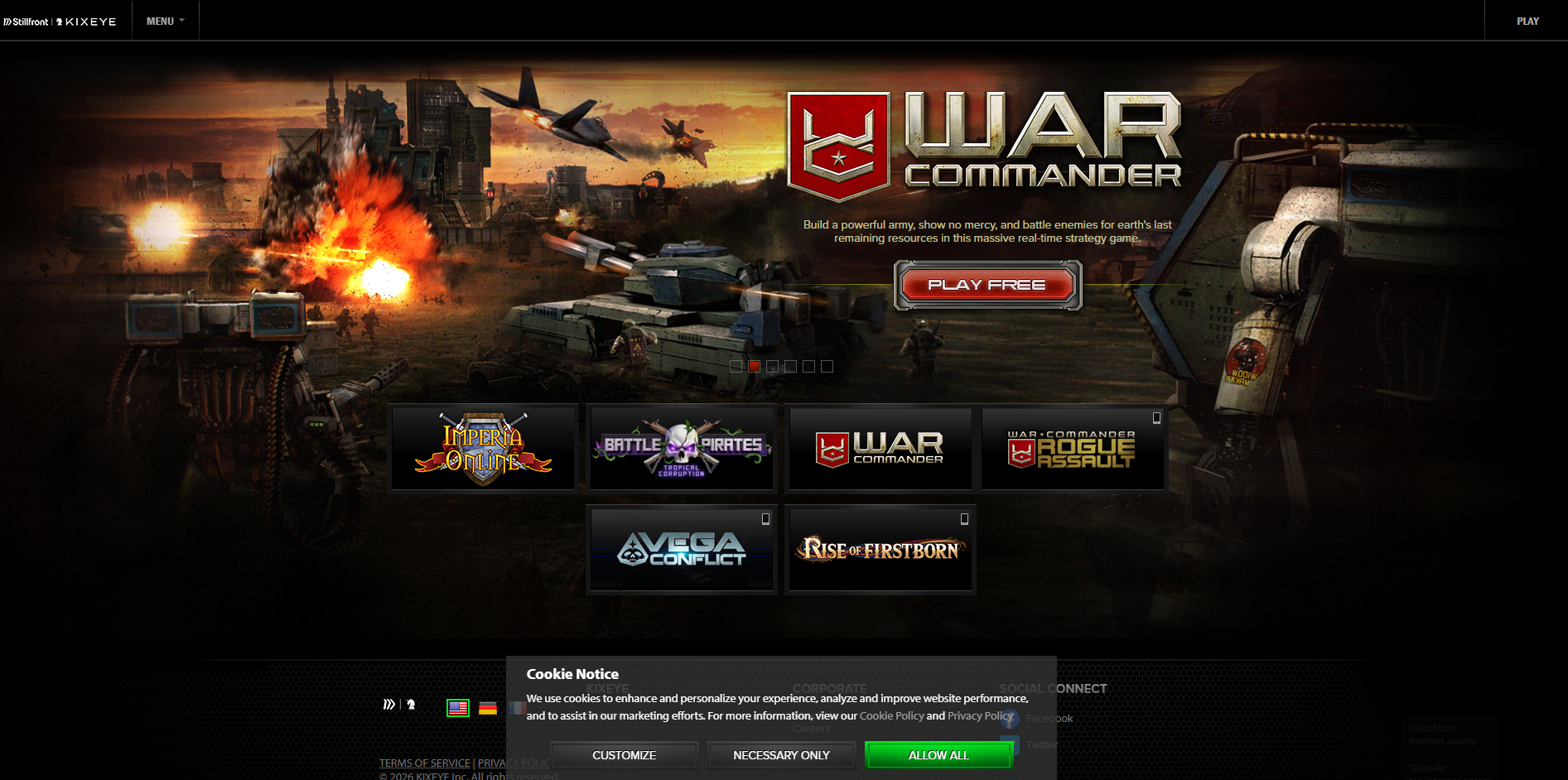
Starting today, when you visit KIXEYE.com you may notice a pop-up asking you to allow cookies. This was previously an automatic process but now requires you to choose either Necessary Only, Allow All, or a custom combination. This is not a security breach or anything invasive to your device. This is a normal process for nearly all websites these days.
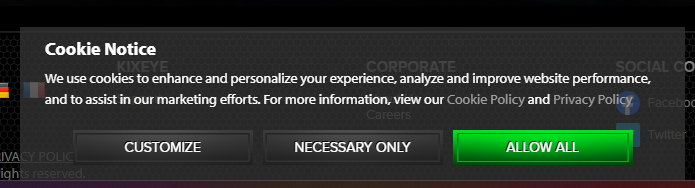
There is a popup and it won't go away! What do I do?
You must choose either the Necessary Only, Allow All, or a custom combination of cookies. Then this pop-up will go away.
What does Customize mean?
Customize lets you choose which of the cookies are installed and tracked on your device. There are different uses and the details can be seen if you hover over the information icon next to each cookie,
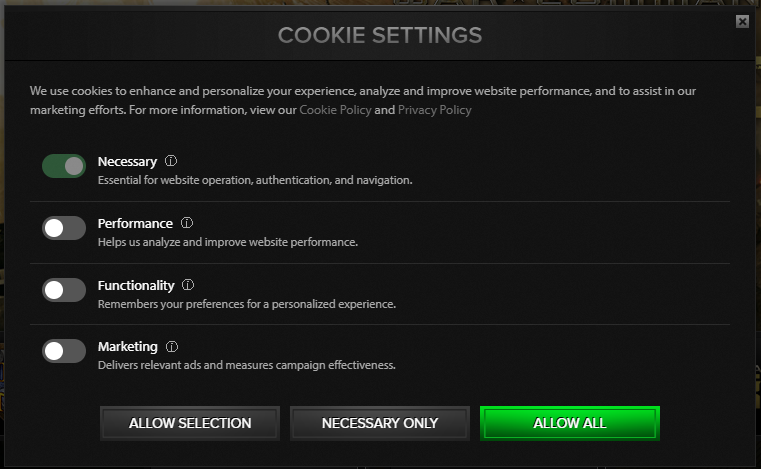
Why can't I choose a different language?
If you use the language setting on KIXEYE.com you will need to allow the Functionality cookies for this to work.
I've changed my mind, how to I change the cookie settings?
If you would like to change which cookies are allowed, you can visit the Profile section of KIXEYE.com and choose Cookie Settings.