
Commanders, Release 16.11.1 brings a streamlined User Interface (UI) and exciting new features to the battlefield! Please review the descriptions and screenshots below to familiarize yourself with the new layout.
(Note: The images provided are from test environments, and all features are subject to change before final release.)
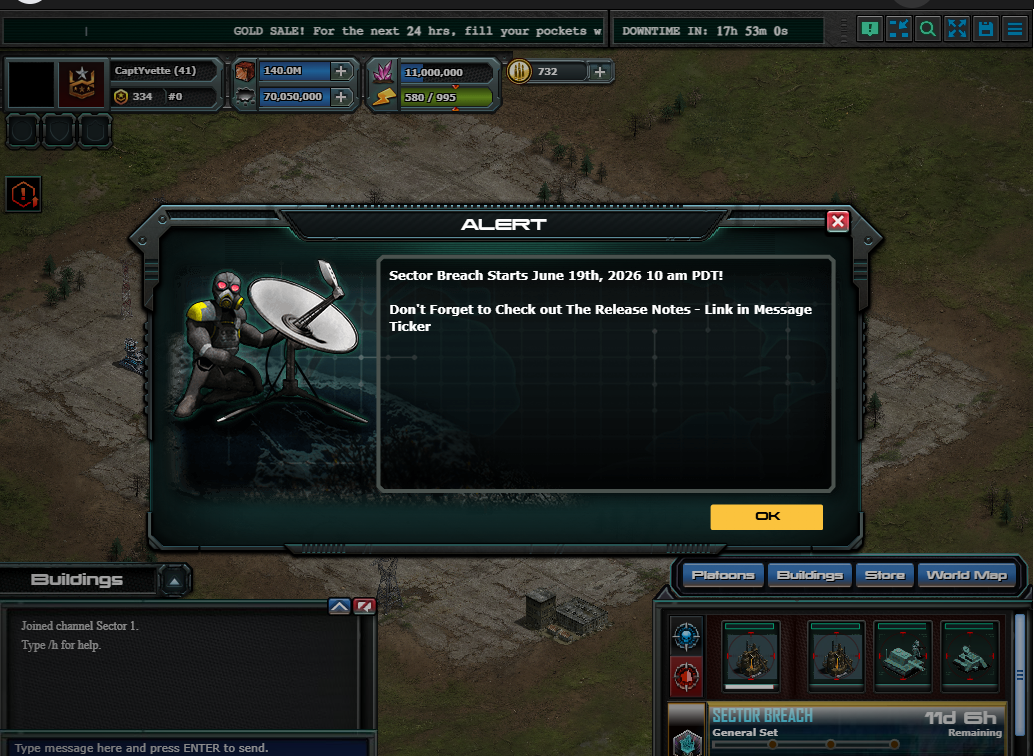
In-App Message
Similar to the MATG, these In-App Alerts are designed for rapid communication to ensure you never miss time-sensitive or critical intel. These alerts will only appear when the game initially loads, or immediately when a new, high-priority message is broadcast.
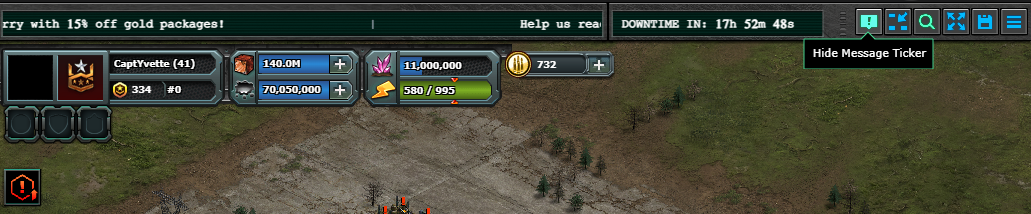
MATG Ticker
The traditional MATG has been upgraded to a sleek, scrolling ticker format.
Toggle Visibility: Easily hide or show the ticker at any time by clicking the "Hide Message Ticker" button in the top right corner.

Smart Display: To keep your screen clear, the ticker will remain entirely hidden if there are no active messages.
Downtime Timer: If server downtime is scheduled, the countdown timer will remain stationary next to the top-right menu buttons for easy tracking.
UI Buttons
Optimize your tactical view with these accessible screen controls:
 Hide NonEssential UI - Clears the screen of unnecessary buttons and data, giving you maximum visibility during intense combat.
 Zoom - Quickly toggle through preset zoom levels.
 Fullscreen - Switch in and out of fullscreen mode.
 Save Status - While not a clickable button, this icon conveniently confirms when your most recent actions have been successfully saved to the server.
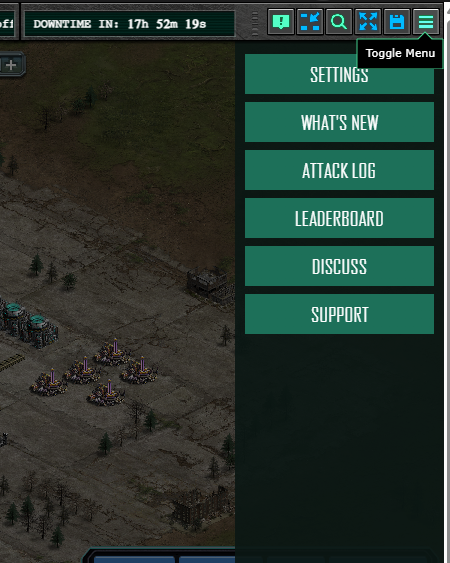
Redesigned Main Menu 
Access your central hub by clicking the three-line (hamburger) icon, or by simply pressing the ESC key. This consolidated menu now houses quick links to:
Settings
"What's New" Updates
Attack Logs
Leaderboards
The Official War Commander Discord
The Support Widget
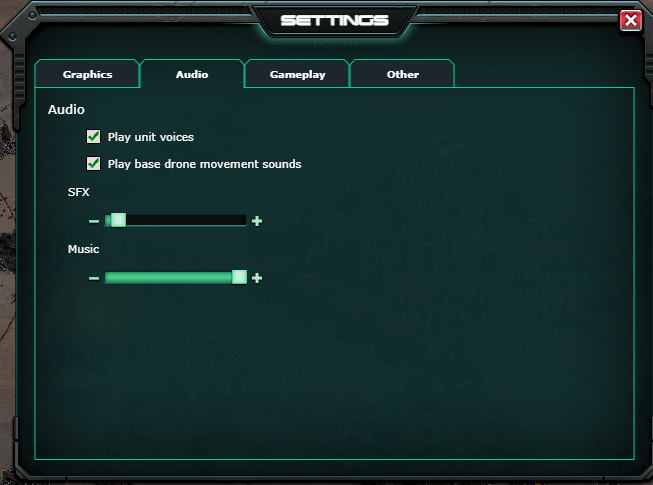
Auto-Save Settings
The Settings menu retains its familiar layout but introduces a major quality-of-life improvement: Auto-Save. There is no longer a manual "Save" button; any adjustments you make are now instantly saved and applied to your gameplay experience.